The AI agent for AutoCAD Electrical
Go from engineering intent to native electrical schematics.


Built for real electrical engineering
From new circuits to complex design changes, Ohmler works across the schematic workflow.
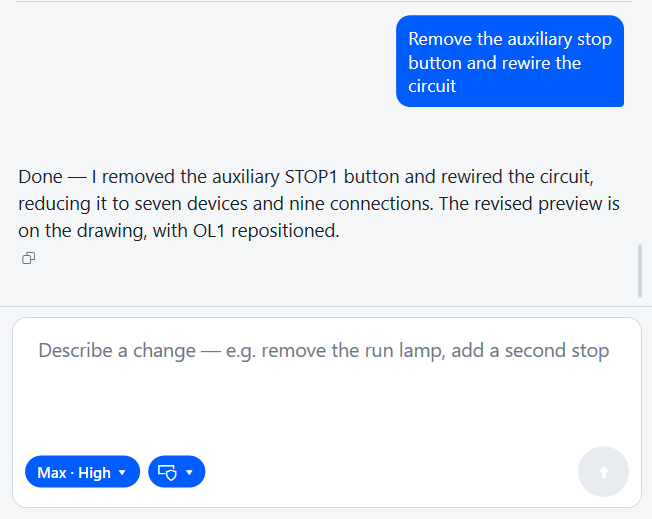
Understands your schematic
Ask questions, trace circuit behavior, and work from the electrical context already in your drawing.
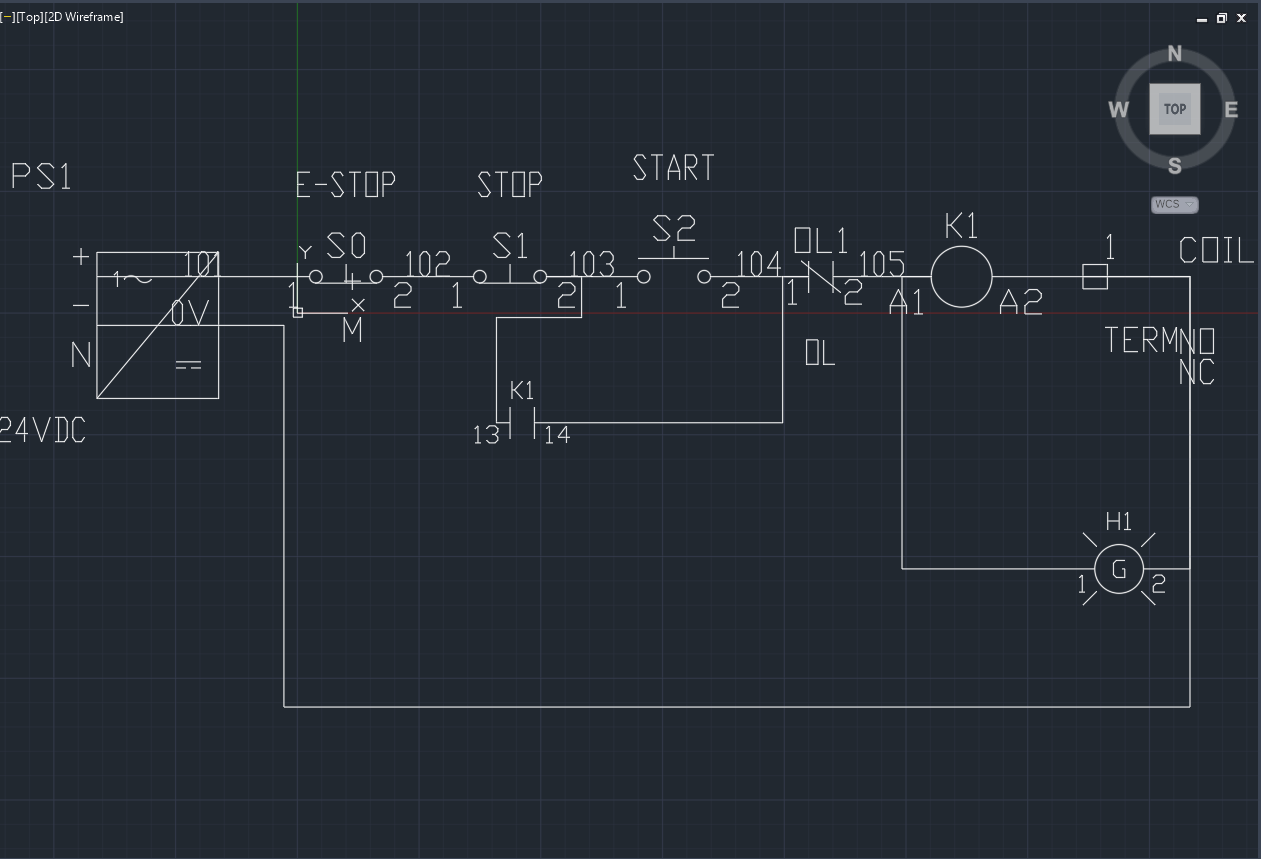
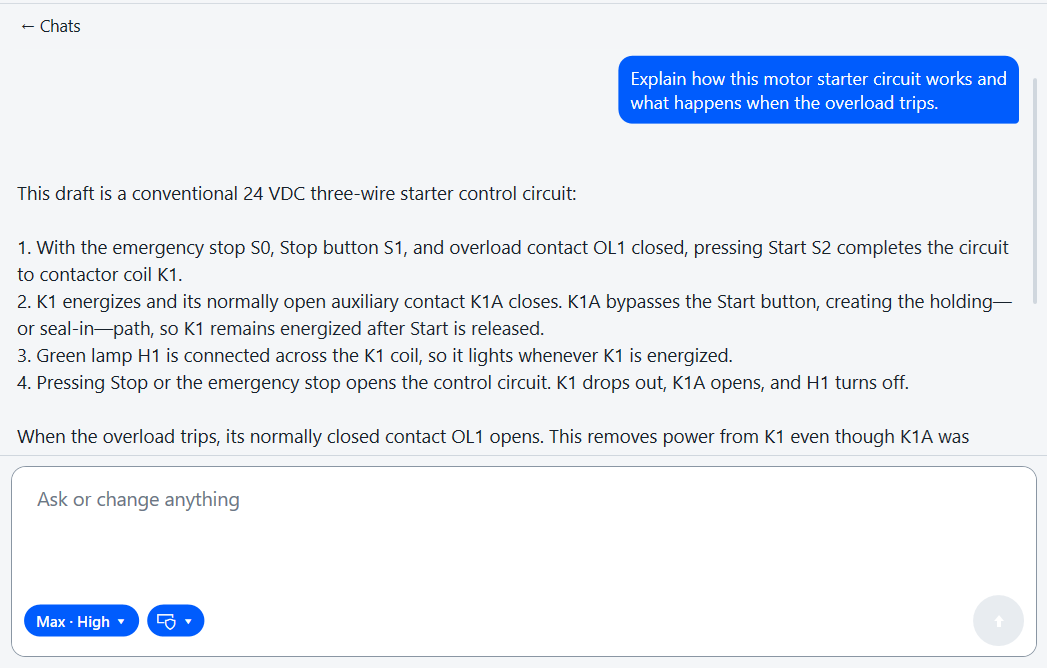
Designed for ambitious changes
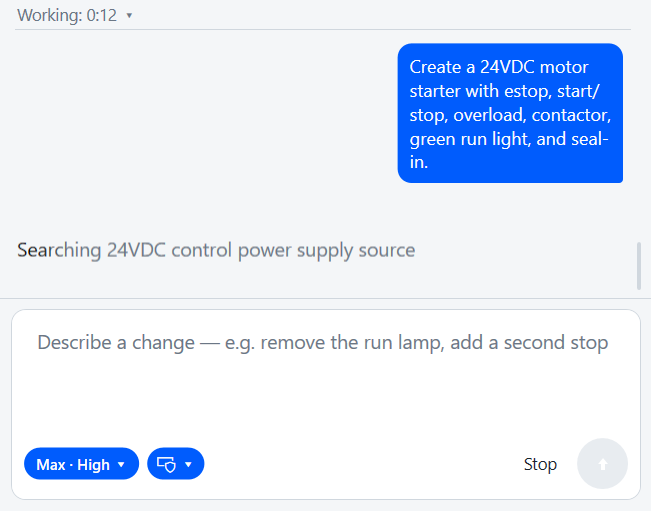
Generate, restructure, and completely rewire circuits from engineering intent.
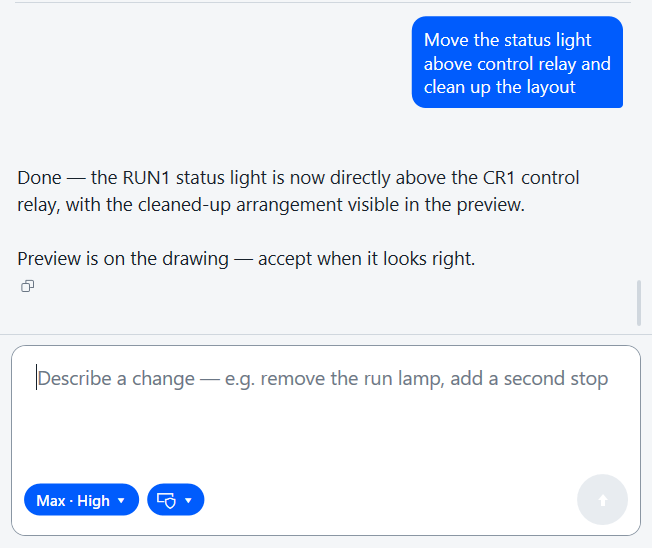
Adapts to how you design
Ohmler searches your catalog and applies the symbols, templates, and conventions already in the project—so generated work matches how your team draws.
Early access
Bring us one real schematic workflow.
For engineers, students, and teams using AutoCAD Electrical. Share one representative workflow—and we will evaluate Ohmler against your symbols, templates, and conventions.
Request early accessWhat we evaluate
- 01Time saved
- 02Accuracy of generated work
- 03Amount of revision required
- 04Reliability across repeated runs
- 05Fit with your symbols, templates, and conventions
FAQ
Straight answers.
What is Ohmler?+
Ohmler is an AI agent for AutoCAD Electrical. You describe engineering intent; it produces and revises native schematics you can keep editing in your existing AutoCAD Electrical workflow.
What can I ask Ohmler to do?+
Explain an existing circuit, generate a schematic from scratch, restructure or rewire a design, replace components, and make targeted layout changes—while preserving what should stay put.
Does Ohmler work with existing schematics?+
Yes. Ohmler reads devices, wires, and connectivity already in the drawing, so it can answer questions and use that context when you ask for changes.
How far it can go on a legacy drawing depends on how clearly the electrical structure is represented.
Are the results native AutoCAD Electrical objects?+
Yes. Ohmler creates native components, wires, tags, references, and connections—not flattened images or meaningless CAD geometry—so the project stays editable in AutoCAD Electrical.
How does Ohmler keep changes reliable?+
The model proposes high-level electrical work. Deterministic software owns connectivity, routing, validation, and drawing execution, and checks the result before a change is committed.
Can I review changes before they are applied?+
Yes. You can inspect the proposed result, revise the request, accept it, or reject it before anything is committed.
Who can request early access?+
Anyone using AutoCAD Electrical to create or modify circuits. We start with one representative workflow and evaluate against your symbols, templates, and conventions.